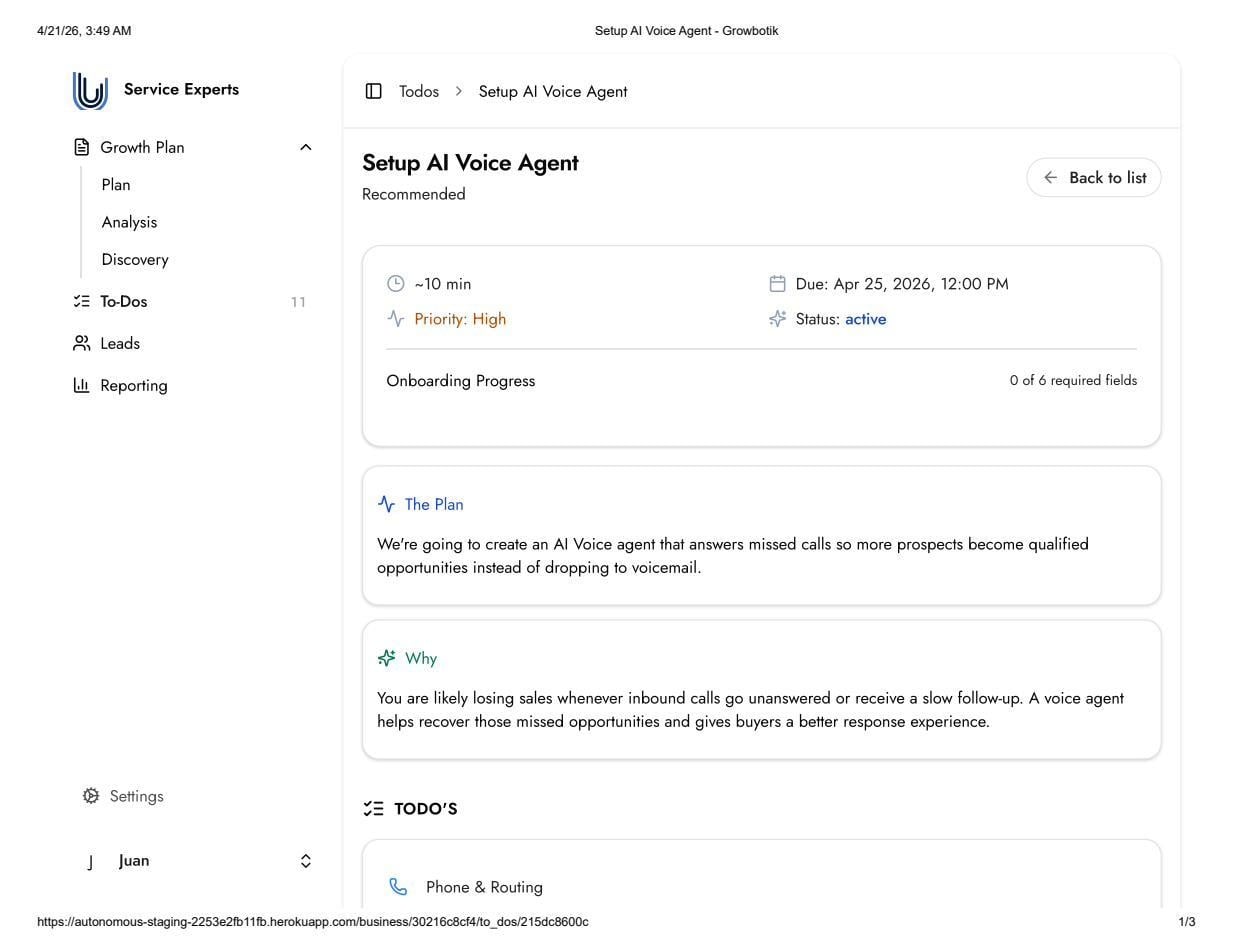
This task creates a custom AI Voice Agent that answers inbound calls when your business does not pick up. The agent prevents prospects from dropping to voicemail, engages the caller in a natural conversation, and captures the lead — ensuring every missed call becomes a recoverable opportunity rather than a lost sale.
For local service businesses, a missed call is frequently a lost job. When someone calls about an urgent service need, they will call the next available business if their first call goes unanswered. The AI Voice Agent eliminates this gap by answering every call you cannot take, qualifying the caller, and capturing their information so your team can follow up.
Main Sales Line: Your primary inbound sales phone number. The AI Voice Agent monitors this line and answers it when you do not pick up within the configured number of dials.
Support / General Line (Optional): A secondary phone number for general or support calls. This field is not required.
Dials: The number of times the phone rings before the AI Voice Agent picks up. Default is 6 dials.
Voice Preference: Select Female or Male for the agent's voice.
Agent Language: Select the language the agent will speak during calls. Available languages: English, Spanish, French, German, Portuguese, Italian, Dutch, Arabic, Hebrew, Mandarin, Japanese, and Korean.
Additional Training Content: Any additional context beyond your website and Business Profile that would help the agent respond accurately. Can include sales notes, service-specific details, pricing guidelines, FAQs, or specialized terminology.
Guardrails: Topics or information the agent should avoid discussing or committing to. Acts as a safety layer to prevent incorrect statements. Example: 'Do not discuss specific pricing tiers.' Example: 'Do not confirm appointment times.'
Post-Call Notifications: Yes or No. If Yes, you receive a notification after each call handled by the AI Voice Agent, allowing your team to review the conversation and follow up promptly.
the team begins building your custom AI Voice Agent using the submitted information.
Build and quality assurance takes approximately one week, including human quality checks.
You receive the agent to test and provide feedback before it goes live.
The agent only goes live after you confirm you are satisfied with its performance.
No. The agent only picks up when you do not answer within the configured number of dials. If you answer first, the call proceeds normally.
The Knowledgebase Training and Guardrails fields are specifically designed to prevent this. KB Training ensures the agent has accurate information; Guardrails prevent it from addressing topics it should not commit to.
Yes. You test the agent and provide feedback before anything goes live. It only activates after you confirm you are happy with its performance.