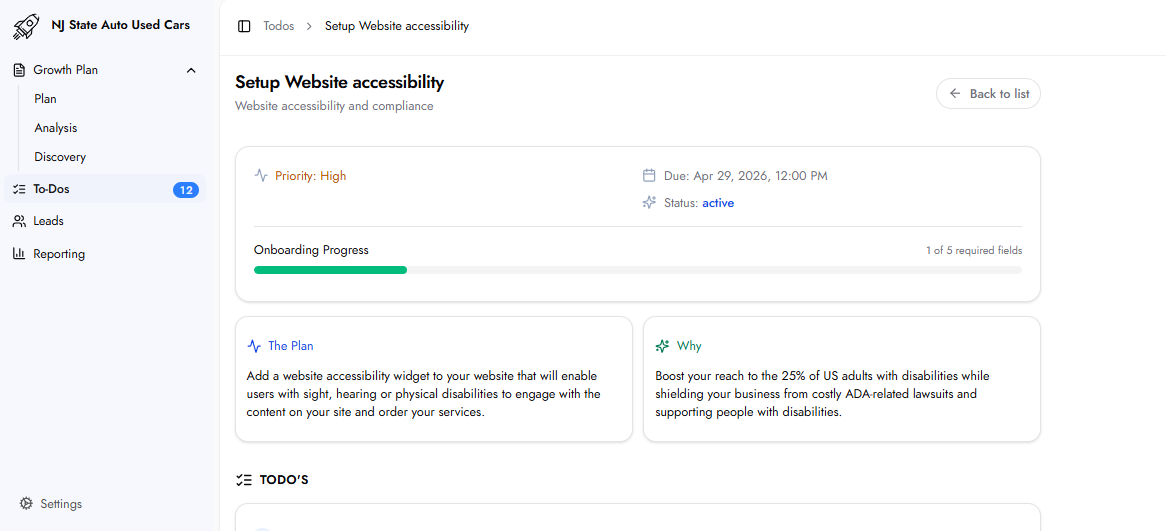
This task installs an accessibility widget on your website that enables users with sight, hearing, or physical disabilities to navigate and interact with the site effectively. The widget adds assistive technology features to your existing website without requiring a redesign.
25% of US adults live with some form of disability — sight, hearing, or physical limitations that affect how they browse websites. A website without accessibility features excludes this segment of potential customers entirely. Beyond the audience opportunity, businesses with accessibility issues on their website face real legal exposure under ADA compliance requirements. The Website Accessibility Analysis section identifies the specific active issues on your site. The widget directly addresses these gaps.
Login URL: The URL of your website's admin or backend login page. the platform uses this to install the accessibility widget.
Username / Email: The admin username or email for your website backend.
Password: The admin password. All credentials are encrypted at rest.
Website URL / Domain: The full URL or domain of the website where the accessibility widget will be installed.
Accessibility Widget Language: The language in which the widget's interface will appear to website visitors. Select from the dropdown provided.
After submission, the platform quickly sets up the accessibility widget on your website and sends it to you for review before it is published.
Yes. The widget is set up and sent to you for review before going live. Nothing is published without your confirmation.