
View messages from your marketing team and complete setup tasks, all in one place.
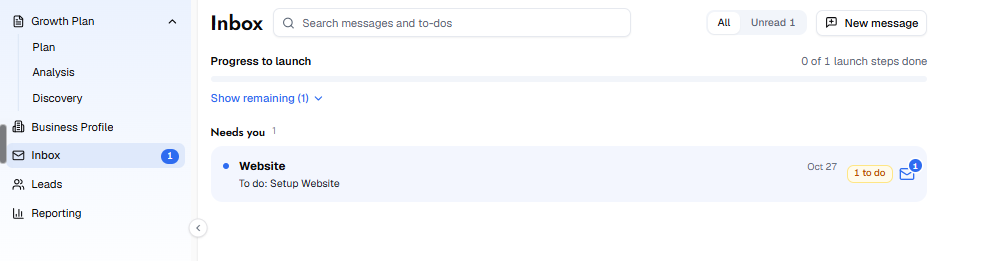
Your Inbox is where you receive messages from your marketing team and complete the setup tasks needed to launch your services.
Two types of items come into your Inbox. The first is messages from your marketing team about the services in your Growth Plan, which you can read and reply to directly. The second is action items, such as setup To-Dos, which appear looking like messages but when you click on one, it opens a form that collects the information your team needs to begin work on that service. Each To-Do is tagged so you always know what to do next. “Needs you” means the To-Do is waiting on your input. “Blocks launch” means it must be completed before that service can go live. Each To-Do includes a due date.
At the top of the Inbox, a Progress to launch bar shows how many launch steps you have completed. Click Show remaining to see what is still outstanding. You can filter by All or Unread, or use the search bar to find a specific item. To start a new conversation with your team, click New message and select the topic.
For a full breakdown of each task and what it collects, see the To-Dos section in the help center.